Feature
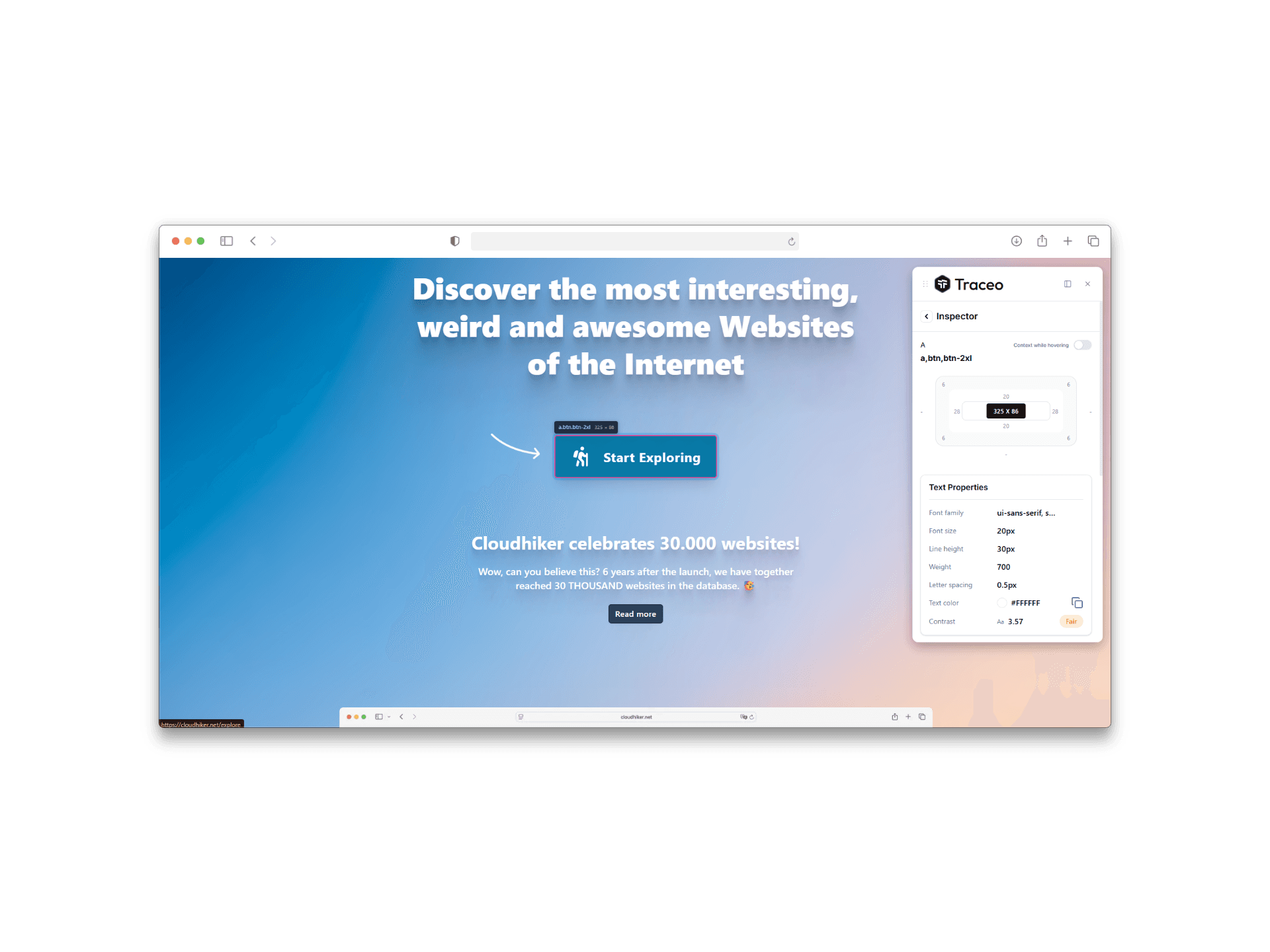
Typography inspector for fonts and type scales
Typography is where subtle UI bugs hide. Reviewing type in the browser closes the gap between spec and what visitors experience on the page.
Benefits
- Compare intended text styles with what the page actually renders.
- Spot mismatches in hierarchy across breakpoints without manual DevTools digging.
- Make typography-related feedback easier to act on during reviews.
Who it is for
- Designers reviewing type scales on marketing and product surfaces.
- Developers debugging font loading, weights, and responsive type.
- QA validating readability and hierarchy on critical flows.
FAQ
- What typography details can I inspect?
- Review fonts, sizes, weights, and related type styles as they render on the live page.
- Is this useful for responsive type checks?
- Yes. Pair typography inspection with responsive testing to validate hierarchy across breakpoints.
- Can QA use typography inspection without DevTools?
- Yes. Traceo is built so non-DevTools specialists can still confirm what the browser is rendering.
Related capabilities
Use Traceo in Chrome
Install from the Chrome Web Store or join via early access.