Feature
Contrast checker for accessible UI in Chrome
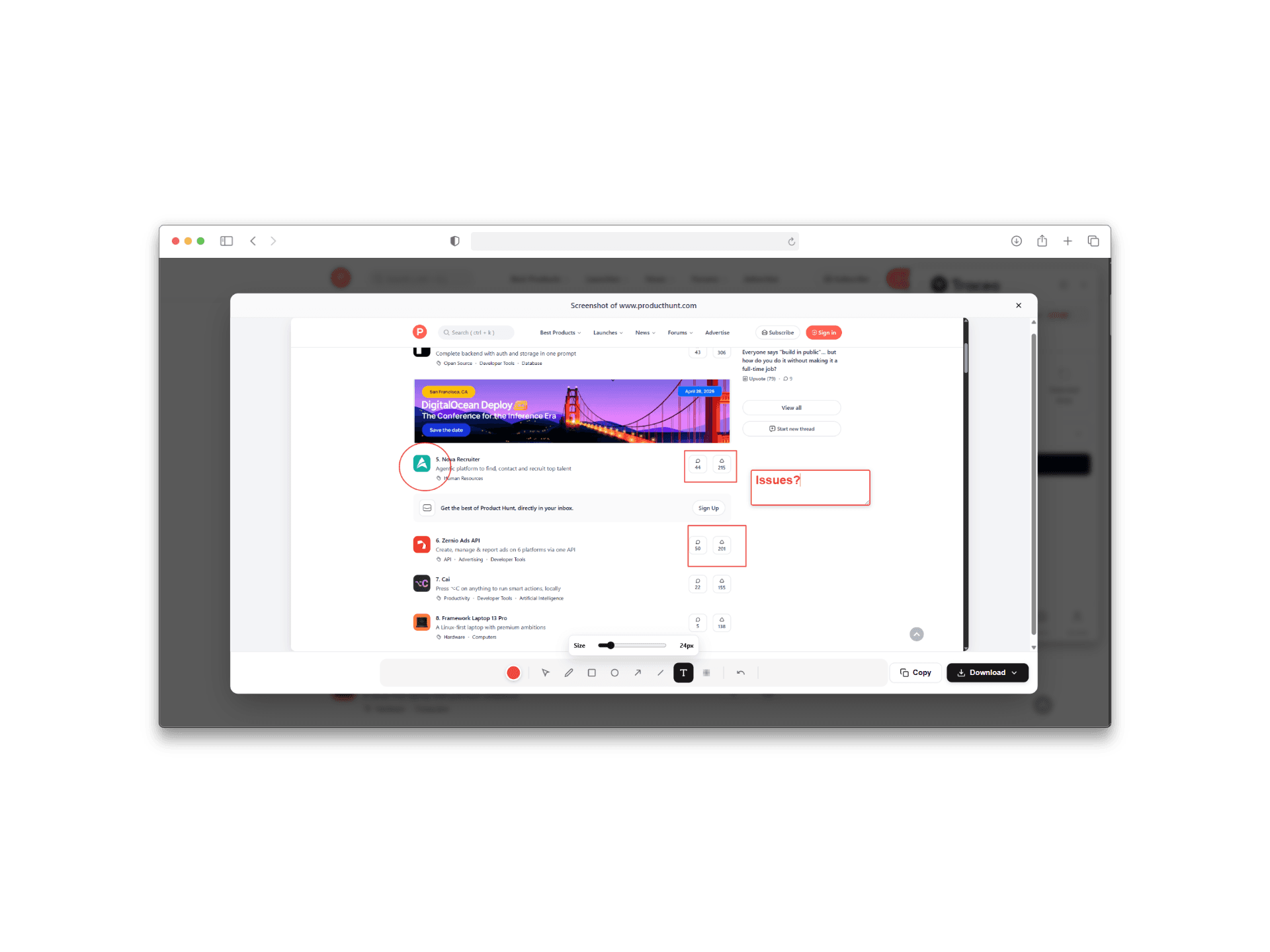
Contrast issues are often missed when reviews happen only in design tools. Checking contrast against the live page reflects real backgrounds, overlays, and theme states.
Benefits
- Review contrast with the same rendering users get in the browser.
- Catch edge cases from dynamic states and overlapping layers.
- Support accessibility-minded reviews earlier in the release cycle.
Who it is for
- Teams shipping public-facing sites with accessibility expectations.
- Designers validating brand colors against readable combinations.
- Developers fixing theme and state-specific contrast regressions.
FAQ
- Why check contrast on the live page?
- Overlays, themes, and dynamic states change contrast. Live checks reflect what users actually see.
- Does Traceo replace a full accessibility audit?
- No. It helps catch contrast issues earlier during design QA and visual review alongside broader a11y processes.
- Who typically runs contrast checks?
- Designers, QA, and frontend developers validating readable text and UI states before release.
Related reading
Related capabilities
Use Traceo in Chrome
Install from the Chrome Web Store or join via early access.