Features
More Powerful Features
Beyond core features, Traceo includes powerful tools for deeper UI inspection.
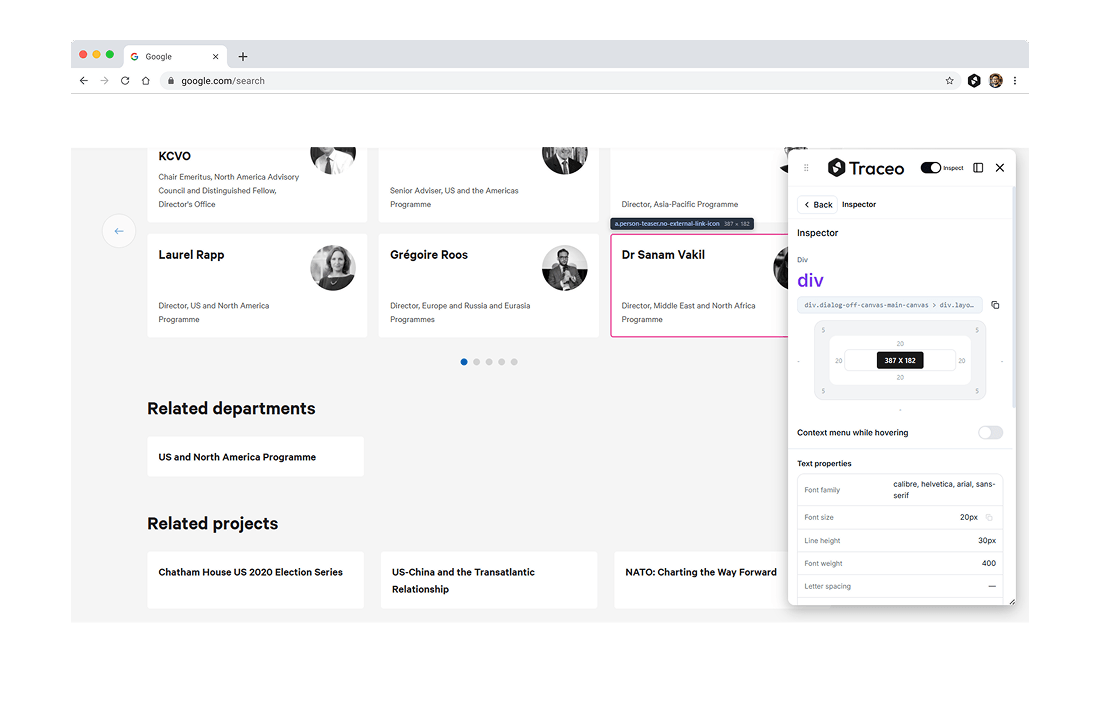
UI Inspection
Inspector Mode
Inspect spacing, typography, colors, and CSS values on any element, no DevTools needed.
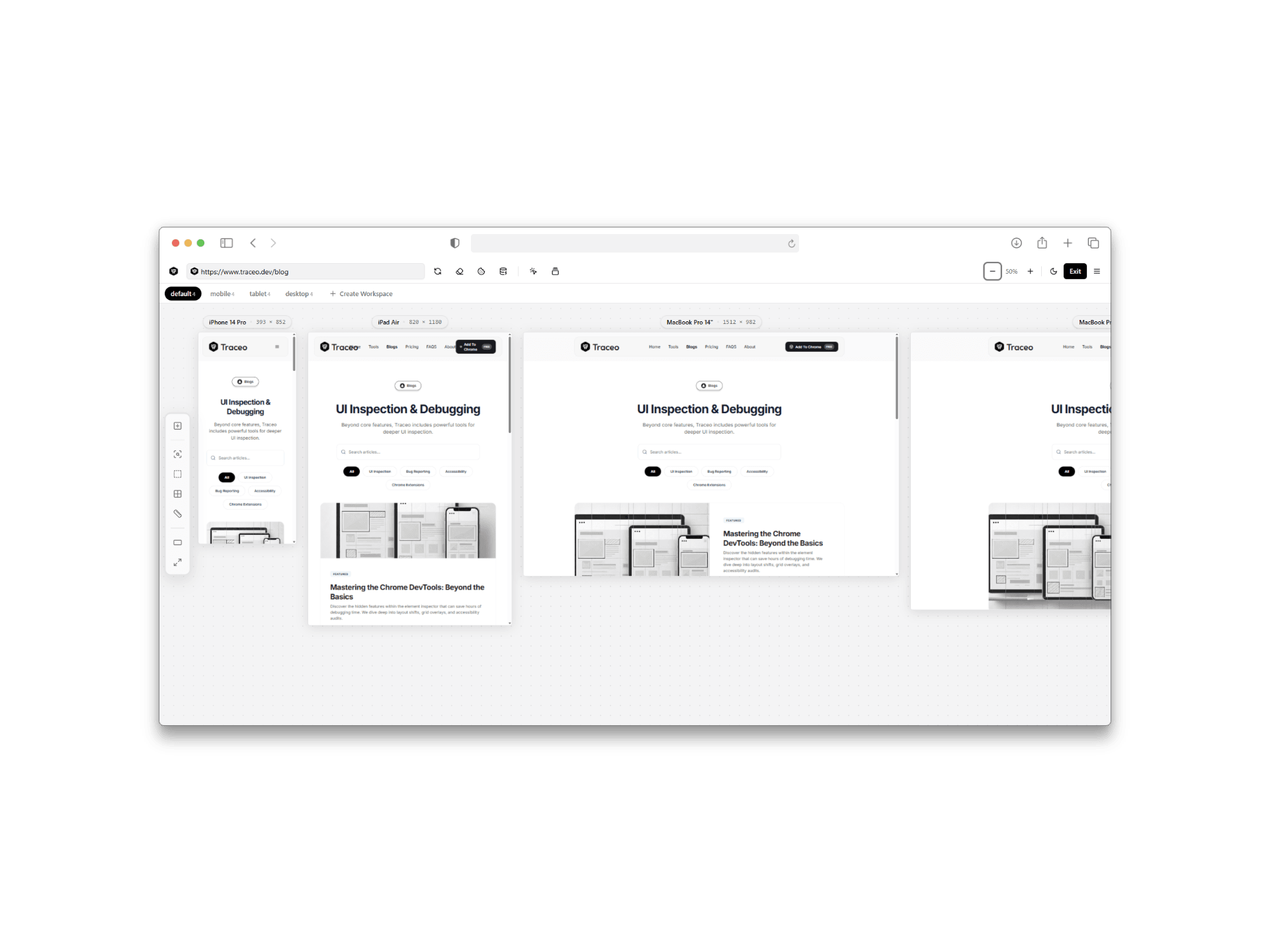
Responsive
Responsive testing
Preview and validate layouts across phone, tablet, and desktop breakpoints without leaving the page.
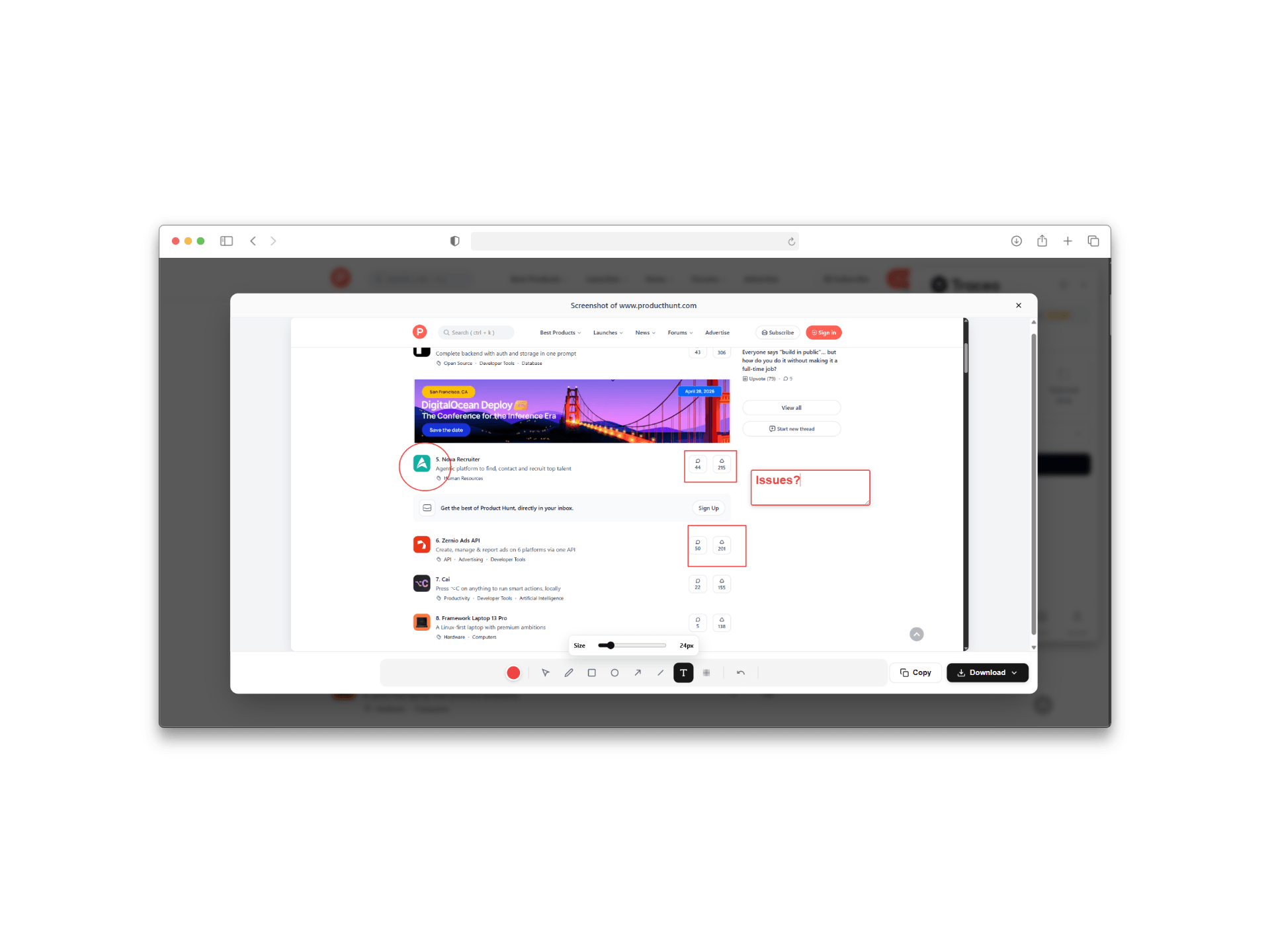
Screenshot
Capture & annotate screenshots
Grab the window, full page, or a selected area, then mark up captures before you share them.
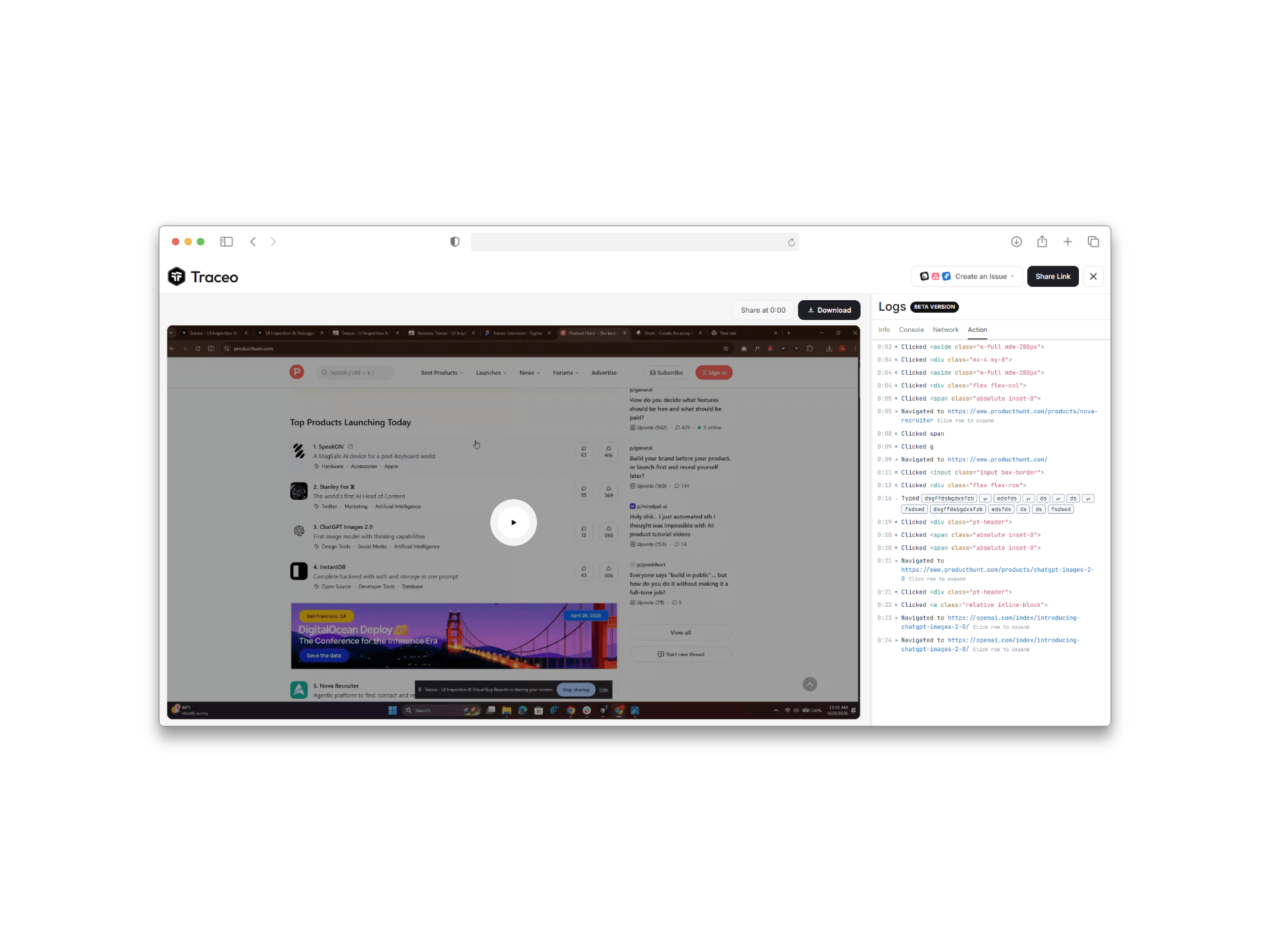
Recording
Screen recording with console & network
Record desktop or tab sessions and attach console logs, network activity, and context to your repro.
Integrations
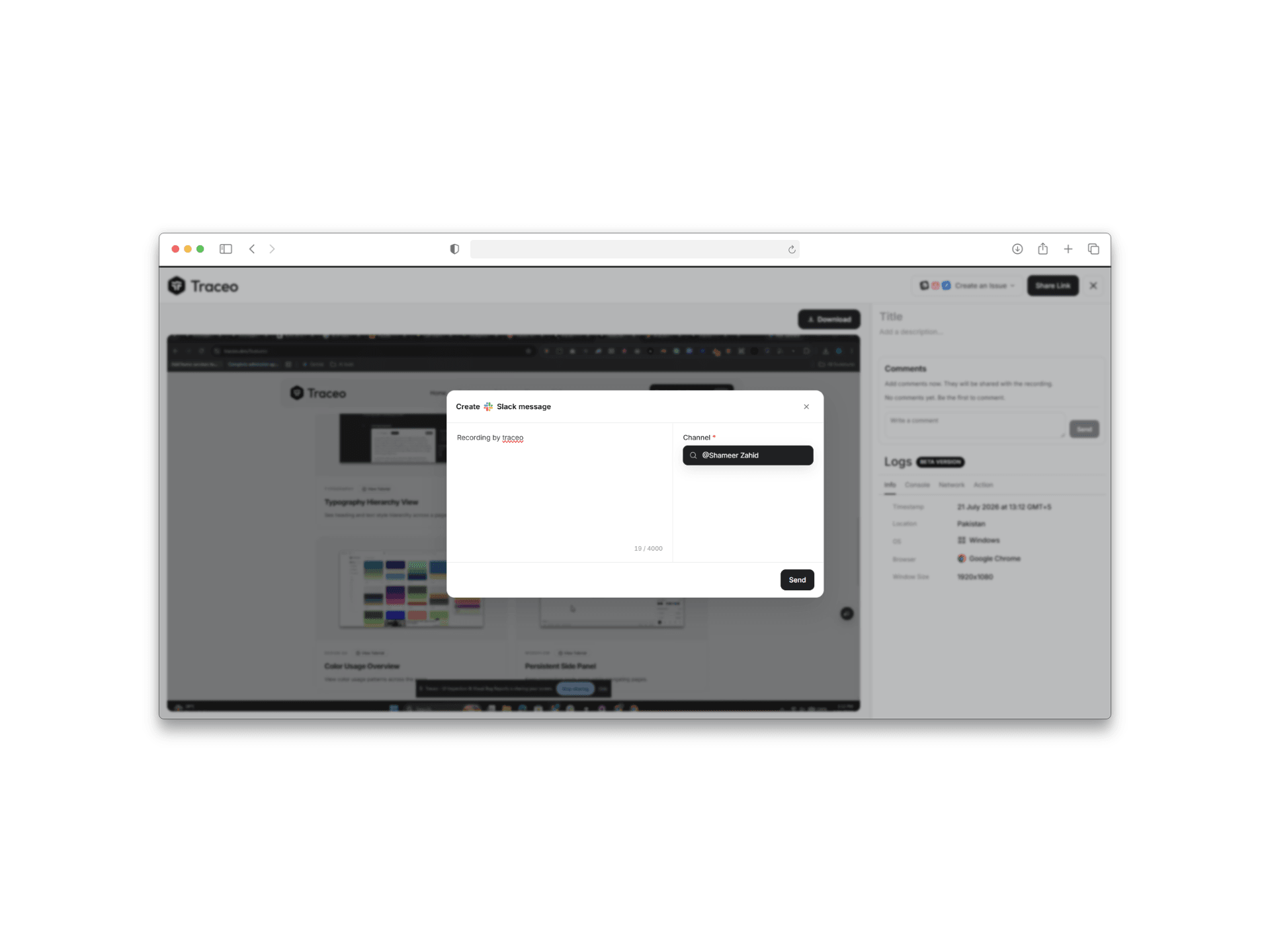
Connect apps & share recordings
Send Traceo recordings and bug context straight to tools your team already uses — starting with Slack channels and DMs.
Debugging
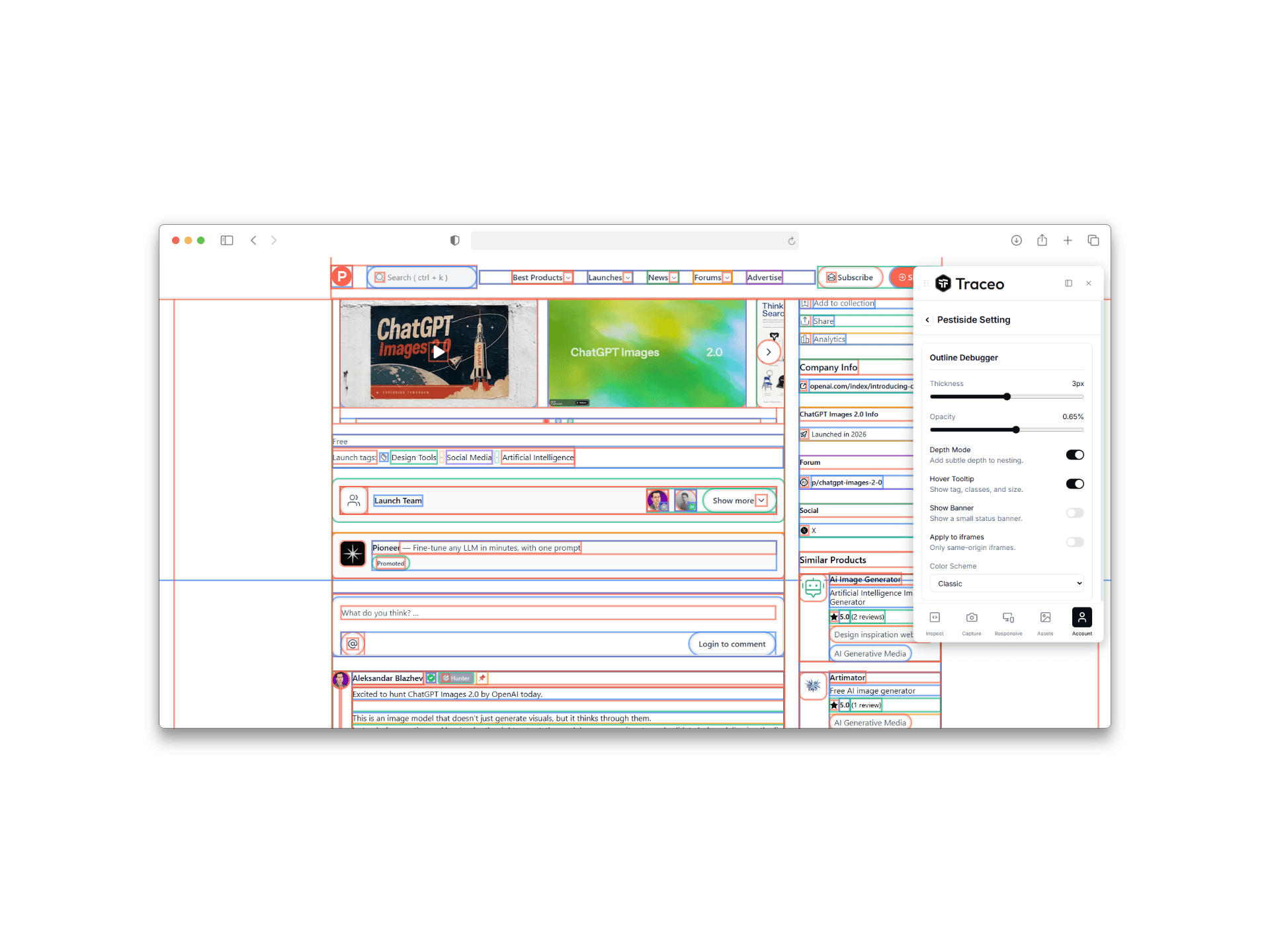
Pesticides (outline debugger)
Outline every element with configurable thickness, depth, and color schemes to spot layout bugs fast.
Assets
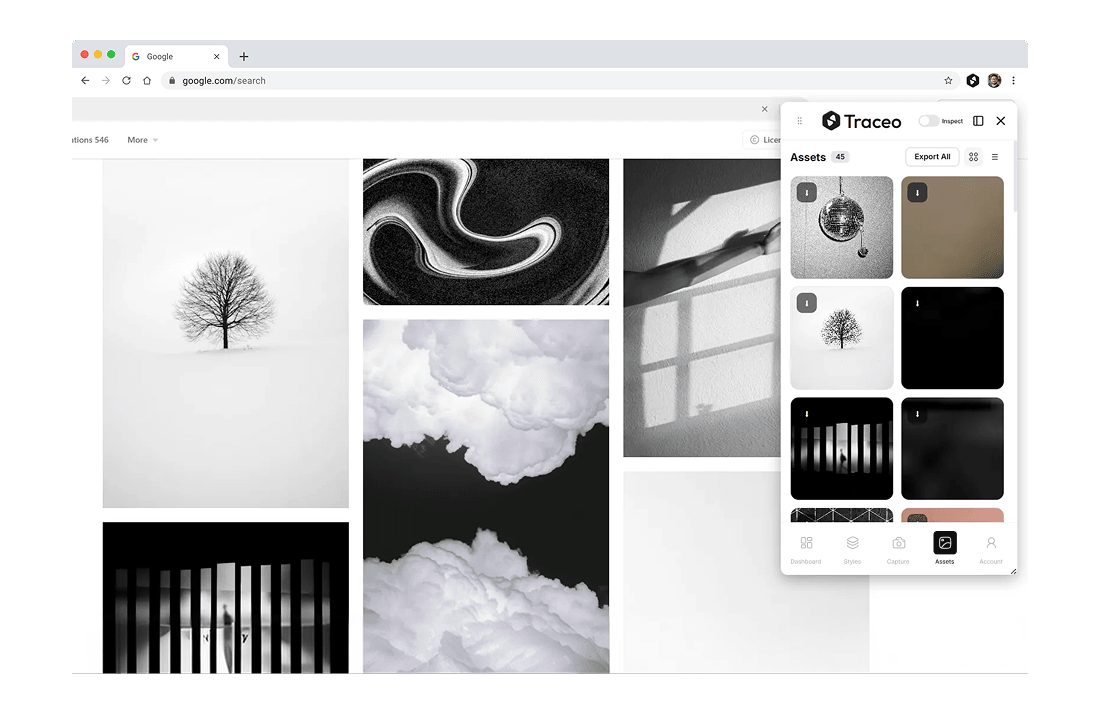
Asset Downloader
Download images, icons, and SVGs from page.
Typography
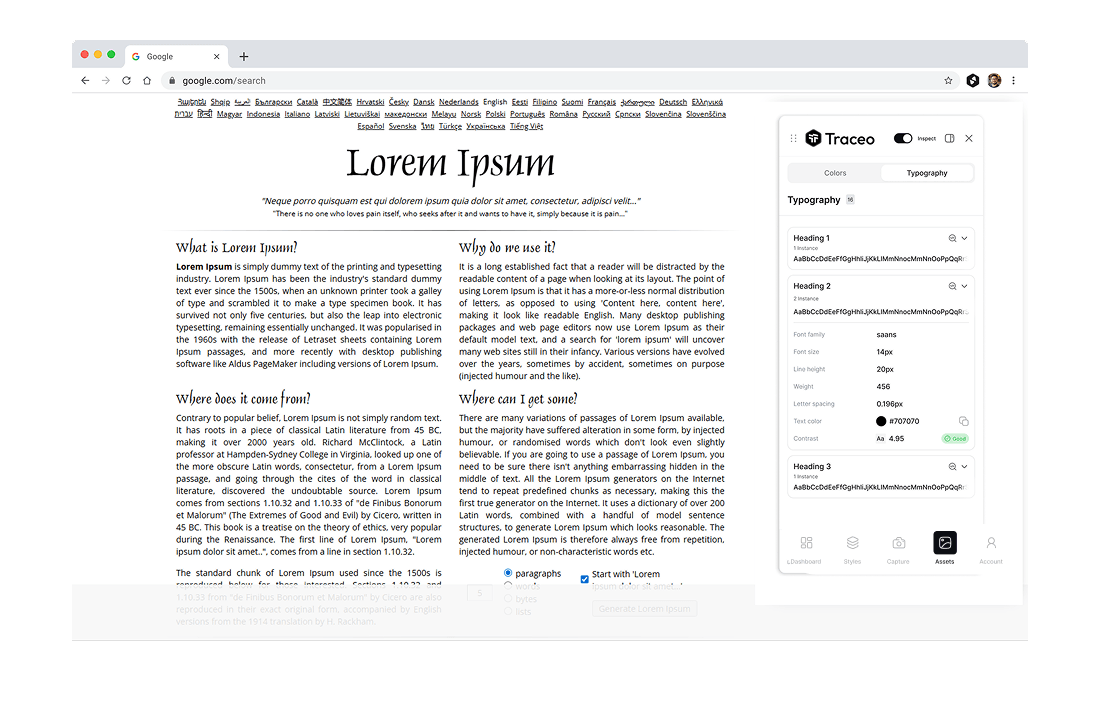
Typography Hierarchy View
See heading and text style hierarchy across a page.
Accessibility
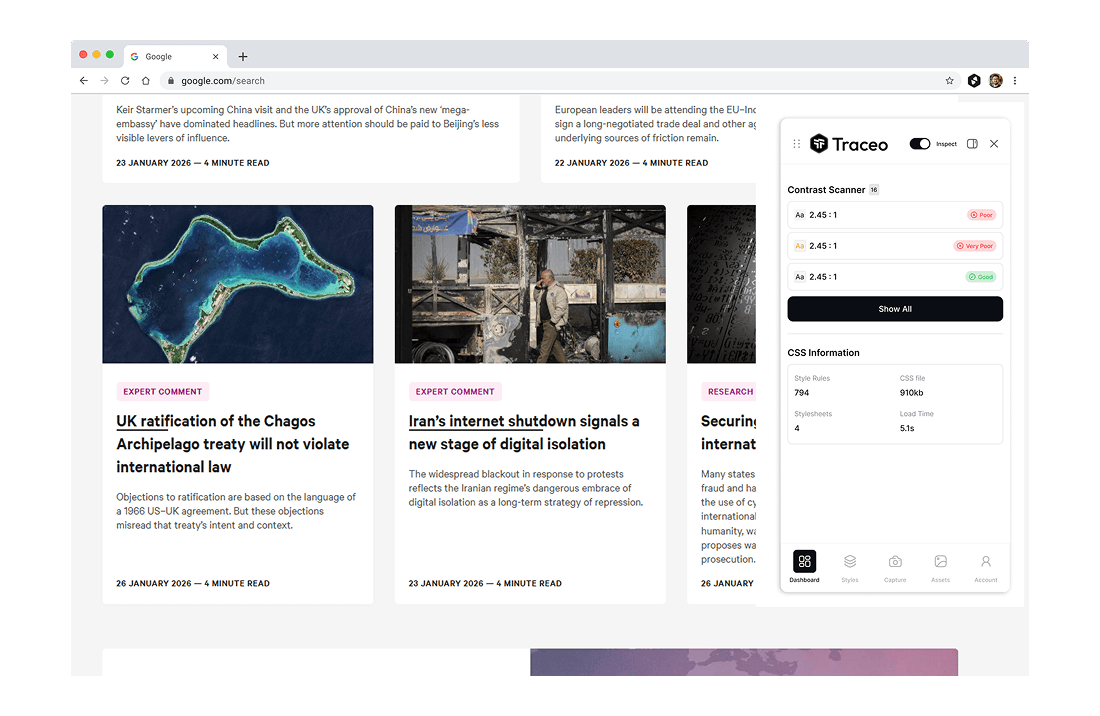
Contrast Ratio Checker
Check text contrast against background colors.
Design QA
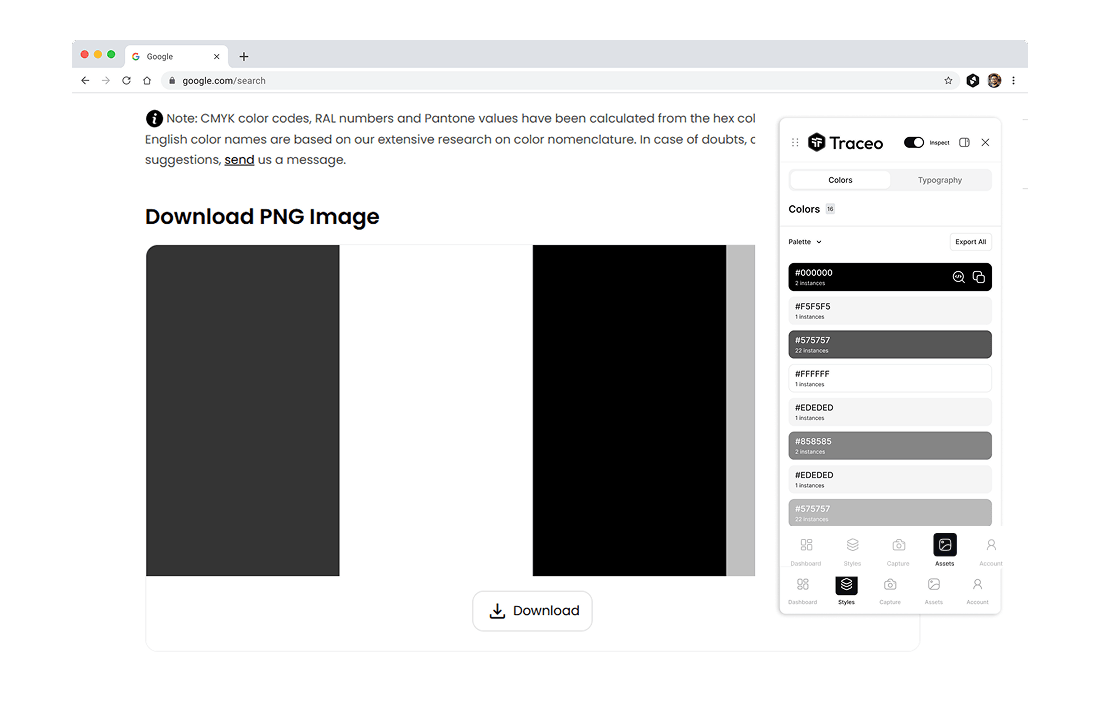
Color Usage Overview
View color usage patterns across the page.
Workflow
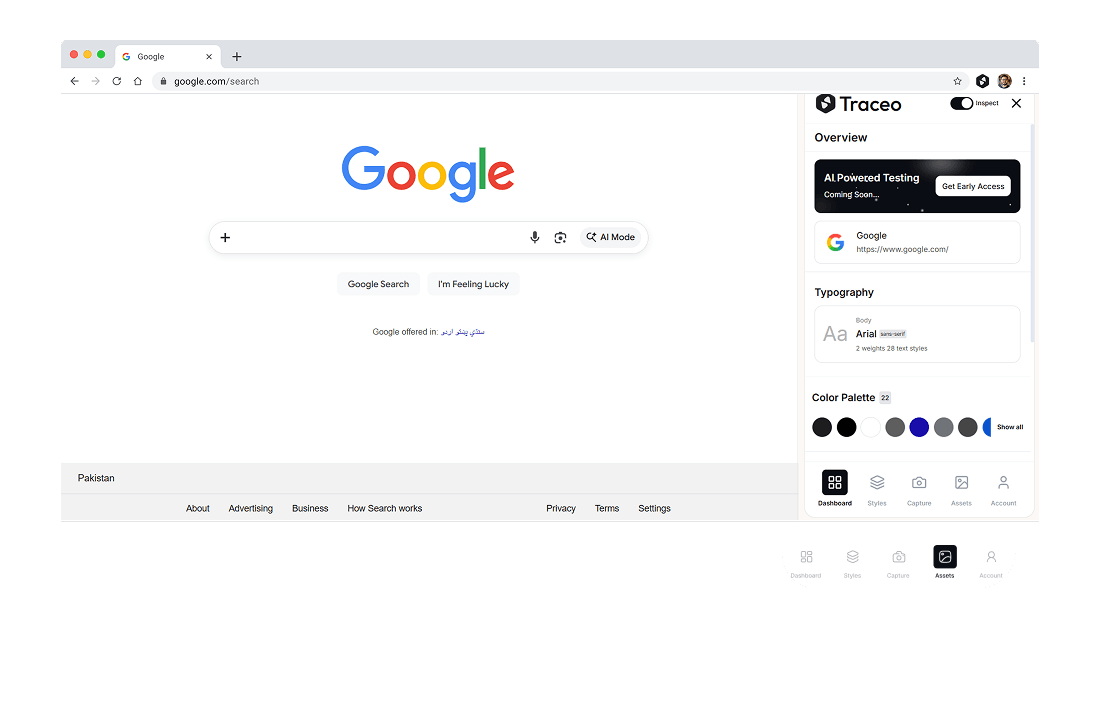
Persistent Side Panel
Keep inspection tools open while navigating pages.