Feature
Visual bug reports and screen recording for Chrome
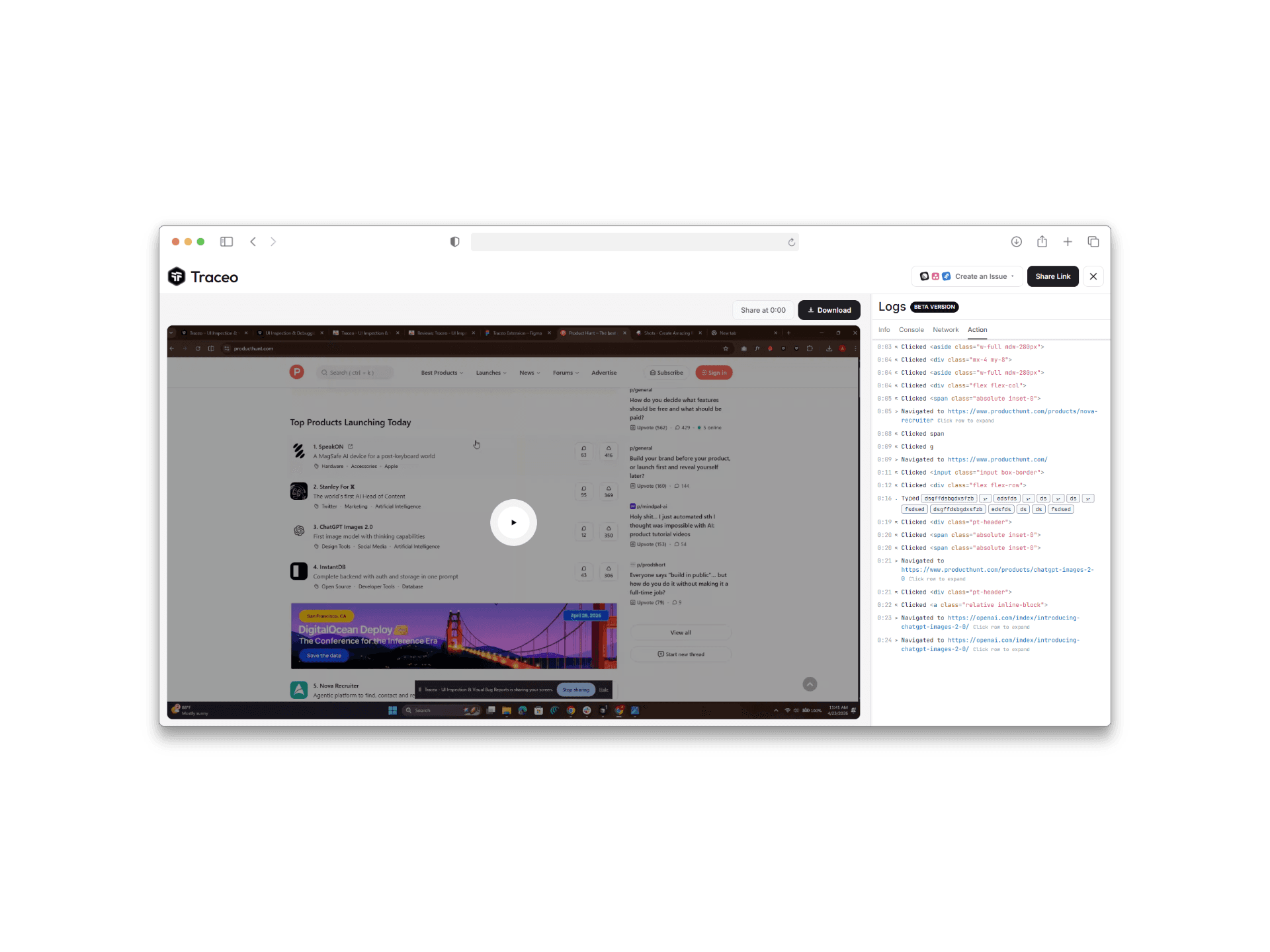
The hardest part of UI bugs is reproducibility. Traceo’s bug recorder turns screen recordings and screenshots into clearer visual bug reports with the context engineers need—without endless clarification threads.
Benefits
- Share steps and environment more clearly than text-only tickets.
- Record interactions where timing, hover, or scroll matters.
- Attach console, network, and session context so visual bug reports stay actionable.
Who it is for
- QA and testers filing issues that need visual proof.
- Developers who need repro detail beyond “it looks wrong.”
- Designers reporting fidelity issues on staging or production.
FAQ
- What is a visual bug report in Traceo?
- A shareable capture that can include screenshots or screen recording plus console, network, and environment details so teammates can reproduce the UI issue.
- Can I blur sensitive data before sharing?
- Yes. Traceo supports annotating and blurring sensitive regions so recordings stay useful without exposing private content.
- Is Traceo only a screen recorder?
- No. Recording pairs with UI inspection so you can capture what broke and what styles or layout caused it in one workflow.
- Do recordings work for responsive bugs?
- Yes. Combine responsive testing with recording to document layout issues across breakpoints.
Related capabilities
Use Traceo in Chrome
Install from the Chrome Web Store or join via early access.