
Check a build against the design
QA and design
Check a build against the design
Compare the live page with the design using real values, then hand developers a list they can fix in one pass.
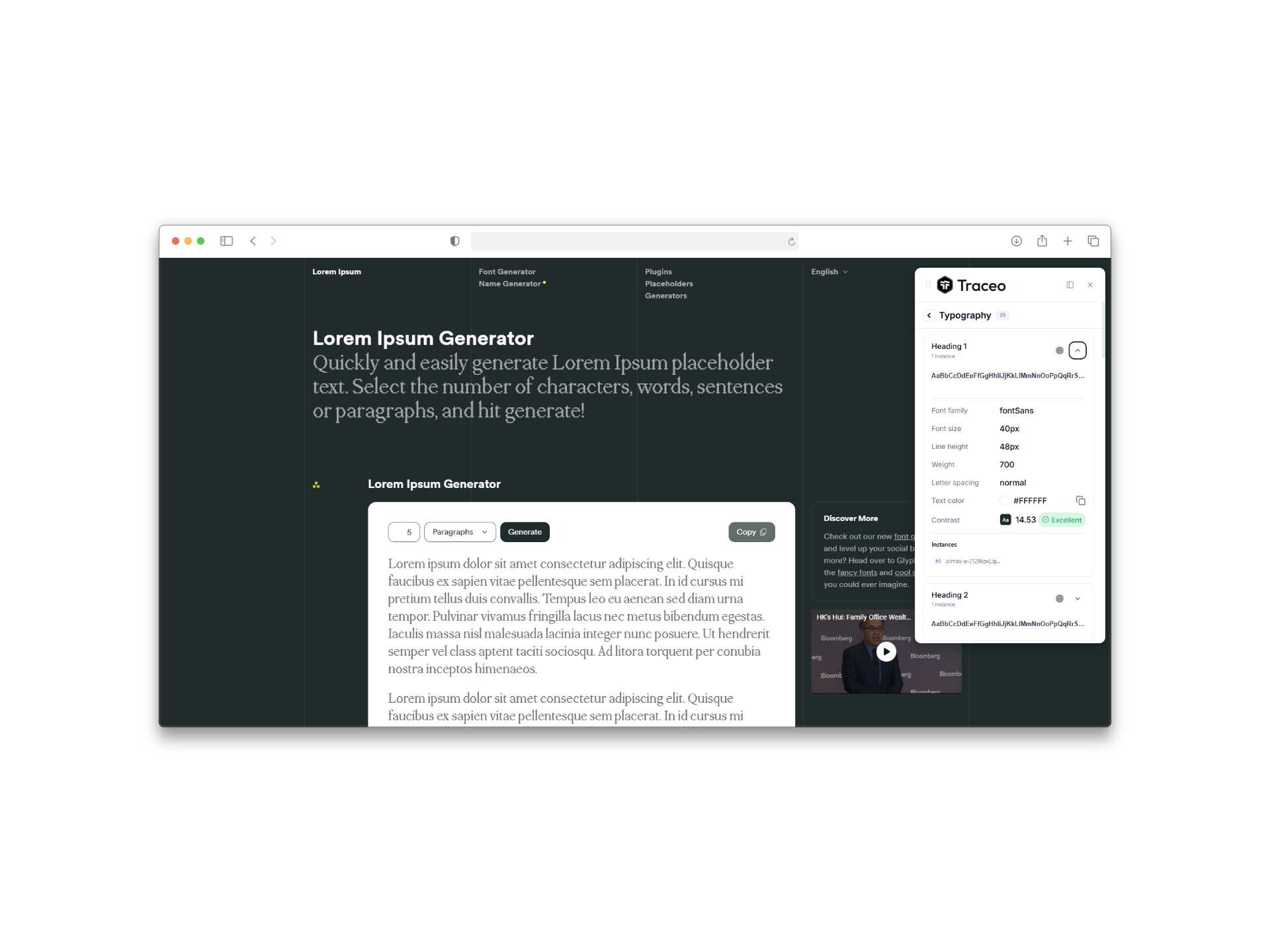
Steps
- Start with the whole page
Open Colors, type and contrast. Off-palette colors and type sizes that are not in your scale are the fastest wins.
- Then check components
Use the inspector on each component: padding, gaps, radius, font size and line height. Turn on the outline debugger when alignment looks off.
- Check every breakpoint
Open the responsive preview to see phone, tablet and desktop at once. Spacing problems often show at one size.
- Report with evidence
Take a region screenshot of each issue, mark it up, and add the value you saw next to the value you expected.
Checklist
| Check | Where in Traceo |
|---|---|
| Colors match the palette | Colors view |
| Headings and body follow the type scale | Typography view |
| Text passes contrast (AA) | Contrast scanner |
| Padding, gaps and radius match | Element inspector |
| Nothing overflows or misaligns | Outline debugger |
| Layout holds at each breakpoint | Responsive preview |