
Report a UI bug
QA and design
Report a UI bug
A report a developer can act on the first time: what you did, what happened, and the logs from that moment.
Steps
- Get to the step before the bug
Open the page and get one step away from the problem, so the recording stays short.
- Start a recording with logs on
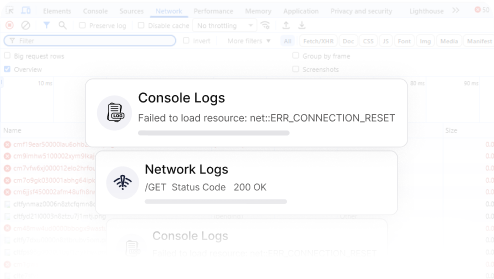
In Capture, choose the current tab and switch on console logs, network requests and device details.
- Reproduce it once, out loud
Turn on the microphone and say what you expected as you go. Draw on the page to point at the problem, and blur anything private.
- Share and describe
Stop, check the viewer, then share. Give it a title like “Checkout button does nothing on Safari” and one line about what you expected.
What makes a good report
- One bug per recording. Two problems in one video get fixed half the time.
- Short: under a minute is usually enough.
- A title that says what broke and where, not “bug”.
- The expected behaviour, in your own words.
Screenshots are faster for purely visual problems such as a wrong color or spacing. Mark them up with arrows and boxes, and blur private data, before sharing. See Screenshots and recordings.