
Traceo for AI agents
Traceo for AI agents
Give your agent a Traceo link and it works from what actually happened on screen, not from a one-line description.
A Traceo recording carries the video, every click, the console and the network. Connect Traceo to your agent once and paste the link: the agent reads all of it, like a teammate who watched the recording. These guides show the prompt to use and how to check the result.
Guides
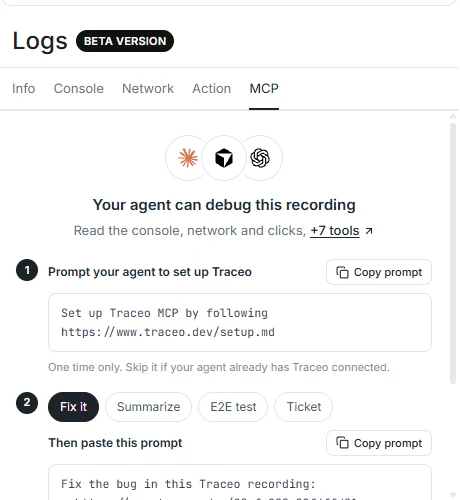
Paste a link and get the cause and a fix, backed by the errors and requests in the recording.

A ticket with steps and evidence, or an end-to-end test that fails until the bug is fixed.
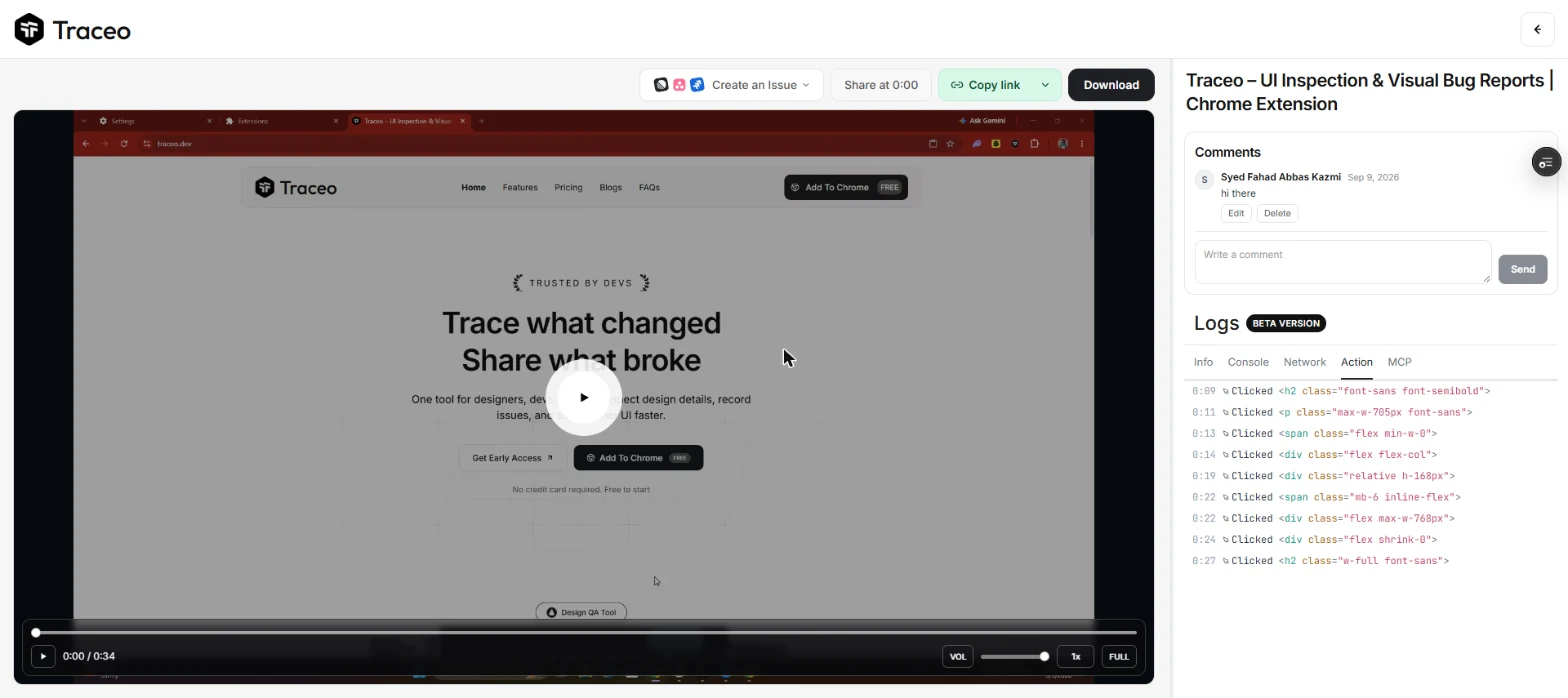
Record a bug once with everything a developer needs to reproduce it.
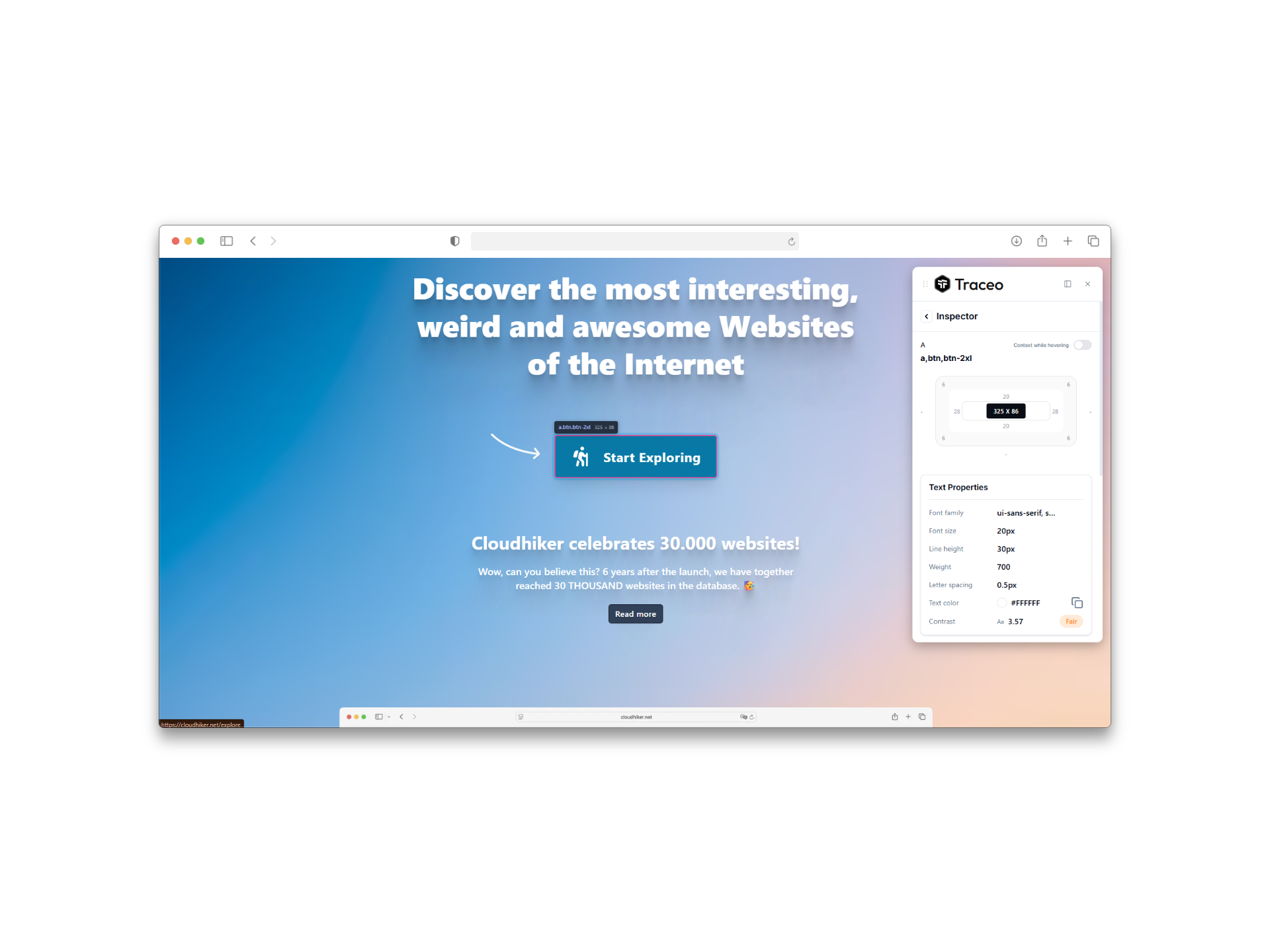
Compare spacing, type and color on the live page with what the design asked for.
From report to fix
- Someone shows what is wrong
A teammate, a tester or a customer records the bug with Traceo and shares the link.
- The link goes on a ticket
The recording travels with the ticket, so whoever picks it up starts from the evidence.
- An agent reads the recording
Through Traceo MCP it reads the errors, the failed requests and the clicks that led there, then finds the cause in your code.
- A test keeps it fixed
The agent turns the same recording into a test, so the bug cannot come back unnoticed.
Where you stay in control
The agent diagnoses first and changes code only when you ask. It tells you which evidence it used, so you can check its reasoning against the recording in a minute instead of reproducing the bug yourself.