Feature
Copy any website into Figma as editable layers
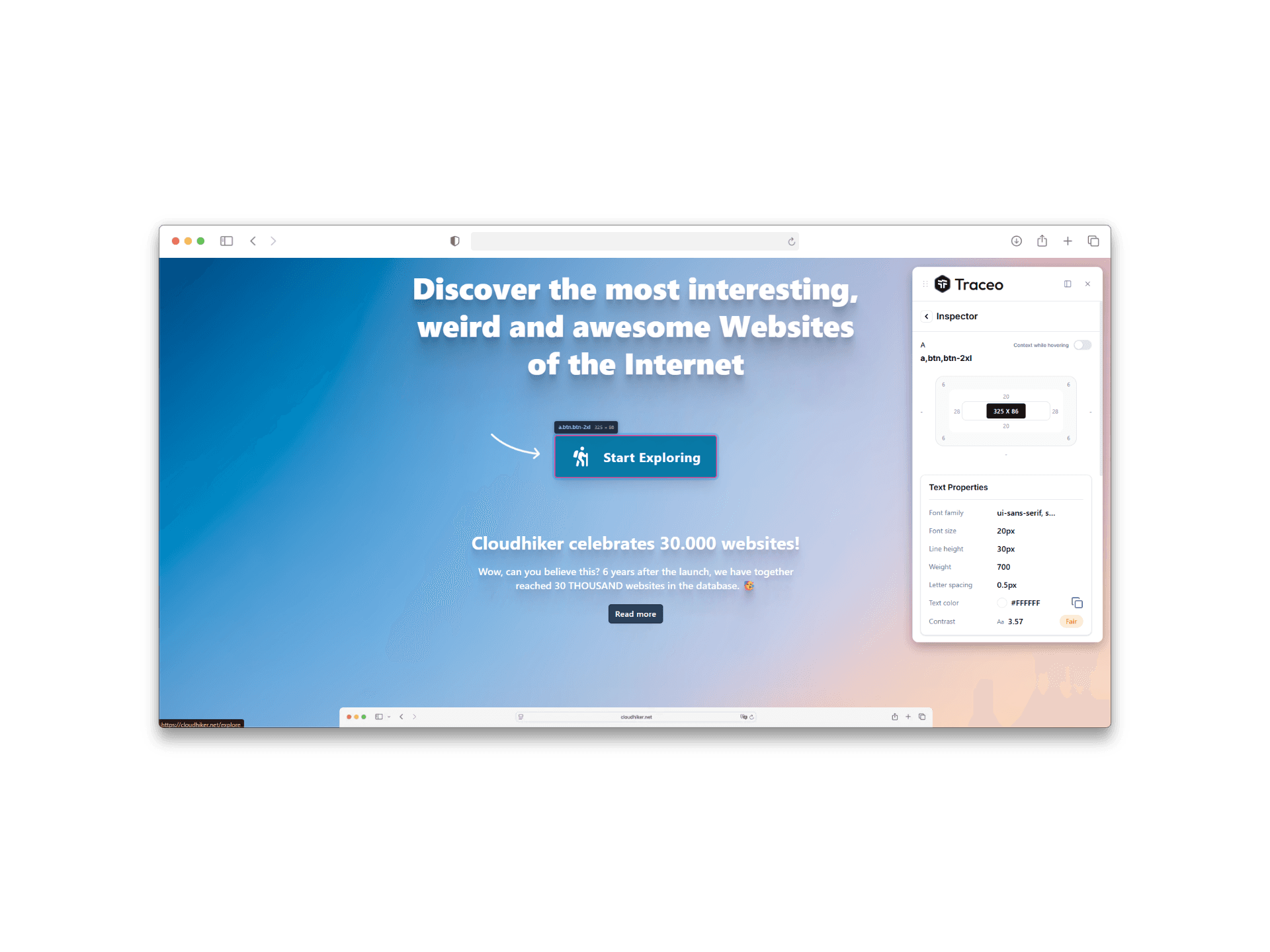
Traceo turns a live web page into Figma layers. Pick a single element or the whole page in Chrome, then paste into Figma with Ctrl V or Cmd V. Text stays editable text, and images, colours, gradients and shadows come along, so you can redesign, audit or document a real UI without rebuilding it by hand or screenshotting it.
Benefits
- Start a redesign from the real production UI instead of an outdated mock.
- Paste one component or the full page, with text that stays editable.
- Keep colours, gradients, images and shadows instead of flat screenshots.
- Works on any site you can open in Chrome, including staging and localhost.
Who it is for
- Designers who need the live UI in Figma to iterate on it.
- Product teams documenting what shipped versus what was designed.
- Developers handing a built screen back to design for review.
FAQ
- How do I copy a website into Figma?
- Install the Traceo Chrome extension, open the page, pick an element or the whole page, then press Ctrl V (Windows) or Cmd V (Mac) in Figma. The page arrives as editable layers.
- Is the pasted design editable?
- Yes. Text stays text, and shapes, images, colours, gradients and shadows come across as Figma layers you can change, rather than a single flat image.
- Can I copy just one component instead of the whole page?
- Yes. Pick any element, such as a hero, navbar or card, and only that part is copied to Figma.
- Does it work on any website?
- It works on pages you can open in Chrome, including production sites, staging environments and localhost builds.
- Is this an HTML to Figma plugin?
- It does the same job from the browser side: instead of importing a URL inside Figma, you pick what you want on the live page and paste it straight into Figma.
Related capabilities
Use Traceo in Chrome
Install from the Chrome Web Store or join via early access.