Feature
Color picker for Chrome: grab any colour on any page
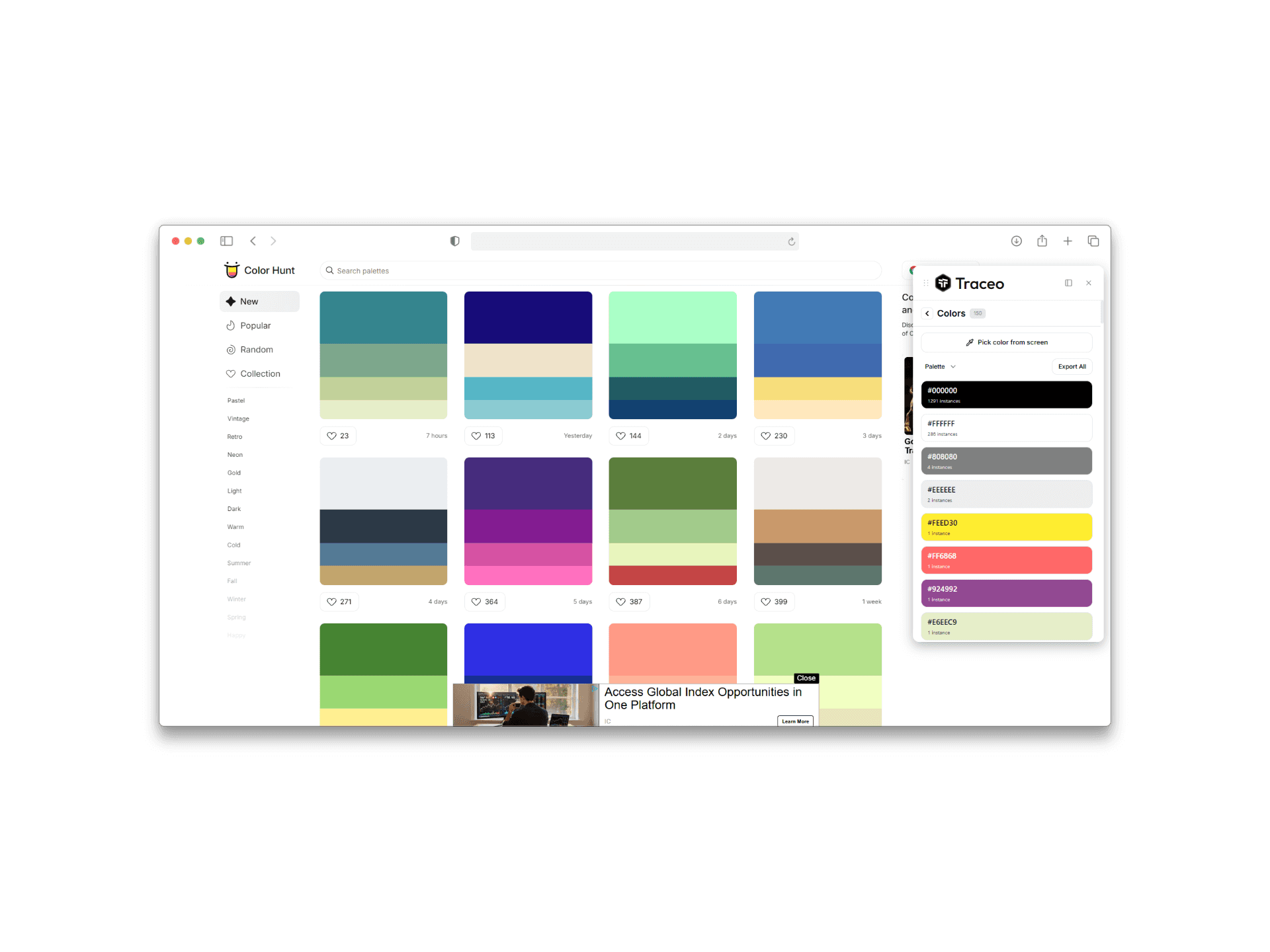
Traceo includes a free eyedropper color picker for Chrome. Click any pixel on a live page to read its colour as HEX, RGB, HSL or HSV and copy it in one click. When you need more than one colour, the palette view lists every background, text, border and gradient colour the page uses, ready to export to Figma or Sketch.
Benefits
- Pick any pixel, including images and gradients, not just CSS values.
- Copy colours as HEX, RGB, HSL or HSV in the format your code uses.
- See the whole page palette and export it to Figma or Sketch.
- Check text and background pairs against WCAG contrast without leaving the page.
Who it is for
- Designers matching brand colours from a live site.
- Frontend developers copying exact colour values into CSS or Tailwind.
- QA and accessibility reviewers checking colour use and contrast.
FAQ
- Is the Traceo color picker free?
- Yes. The eyedropper color picker is free for everyone in the Traceo Chrome extension.
- Which colour formats can I copy?
- HEX, RGB, HSL and HSV. Pick a colour and copy it in the format you need.
- Can it pick colours from images?
- Yes. The eyedropper reads the actual pixel under your cursor, so it works on images, gradients and video frames as well as plain CSS colours.
- Can I get every colour a website uses?
- Yes. Traceo's palette view lists the background, text, border and gradient colours on the page and exports them to Figma or Sketch.
- How is this different from Chrome DevTools' color picker?
- You don't need to open DevTools or find the right element first. Click anywhere on the page to read the colour, then copy it in the format you want.
Related capabilities
Use Traceo in Chrome
Install from the Chrome Web Store or join via early access.